
Installing SQL Server Management Studio (SSMS) 2012

·105 words·1 min
FTC Disclosure: As an Amazon Associate, I earn from qualifying purchases. Some links on this site are affiliate links.
Ben Piper
Author
Ben Piper
Wiley bestselling author — 100k+ copies, AWS Solutions Architect Associate (SAA) & Cloud Practitioner (CLF) bestsellers, 7+ books. 45 Pluralsight courses (4.7-star, 3,003 ratings). 10+ yrs 100% remote, solo CCNP ENCOR.

Where is SSMS 2012?
#

Microsoft decided to make it confusing and difficult to install SQL Server Management Studio (SSMS) 2012. Since my slogan is, “Business at the speed of light,” I’m going to to show you the quickest way I’ve found to install SSMS 2012.

SSMS 2012 installation steps
#

  1. Download and run SQLEXPRWT_x64_ENU.exe

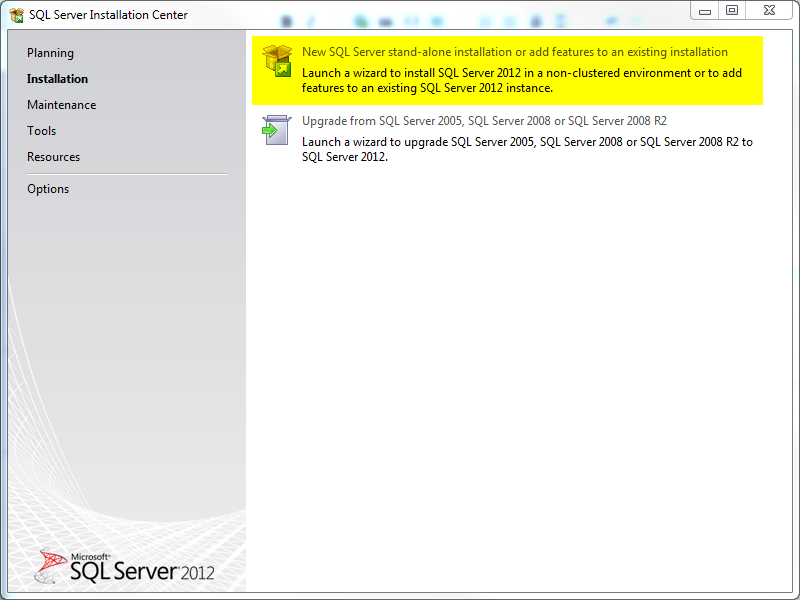
  2. Select “New SQL Server…”

ssms2012 install 1

  1. Wait a while then click Next.

  2. Wait some more, accept the license, and click Next
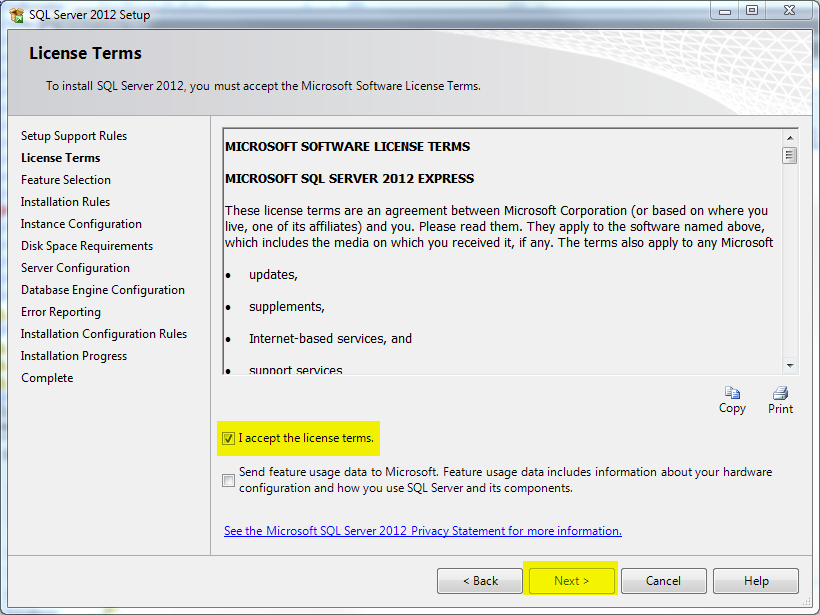
ssms2012 install 2

  1. Make sure the highlighted boxes are checked: Management Tools – Basic, Management Tools – Complete, and SQL Client Connectivity SDK. Click Next
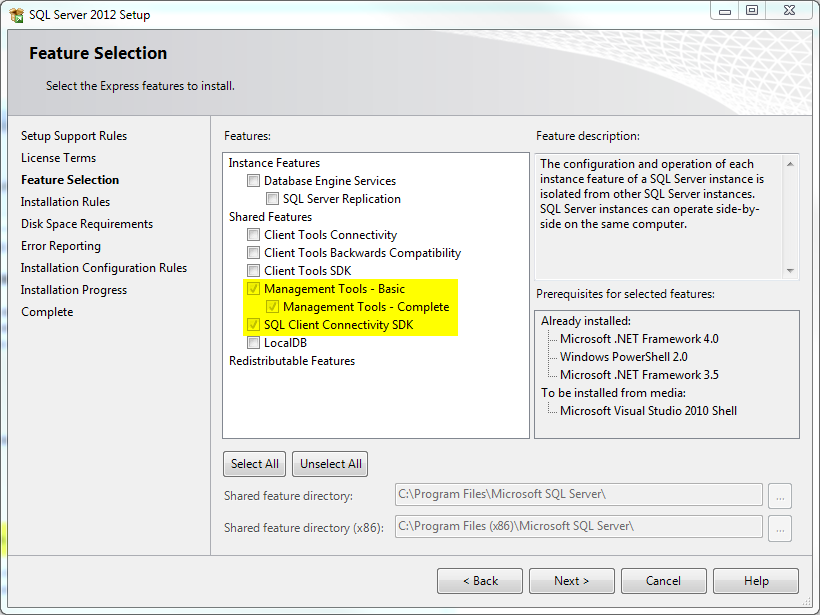
ssms2012 install 3

  1. Finish the install

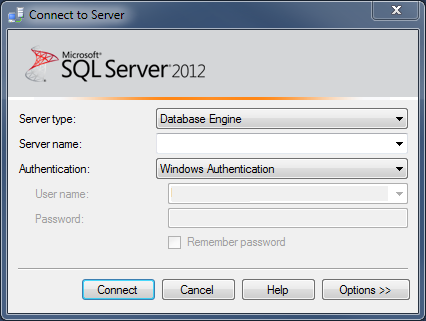
  2. Launch SSMS 2012 and log in.

ssms2012 install 4