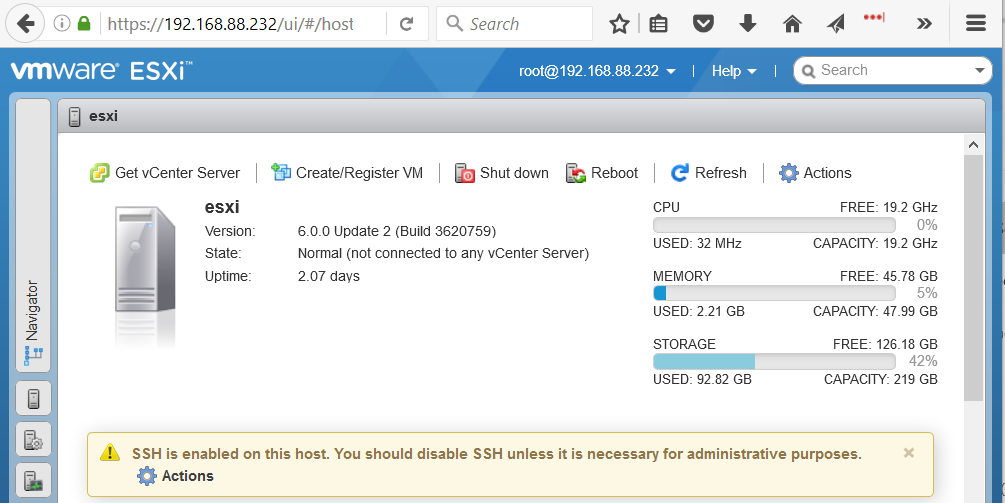

If you have a home lab and don’t need vCenter, thee ESXi Embedded Host Client gives you web-based access to hidden features of your standalone ESXi host… without having to spin up a real vCenter server.
As most everyone knows, the old VMware vSphere C# client has been on its way out for years. One of the things keeping it alive is the fact that not everyone has a vCenter Server, and even those who do don’t necessarily use the Web Client. Sadly, there are some really cool features the old Windows client can’t touch, such as exposing hardware -assisted virtualization to individual VMs.
Here’s how to install it#
Shut down all VMs and place the host in maintenance mode
SSH into ESXi and execute the following
[root@esxi:~] esxcli software vib install -v http://download3.vmware.com/software/vmw-tools/esxui/esxui-signed-4393350.vib
- Browse to
https://[ESXi]/ui
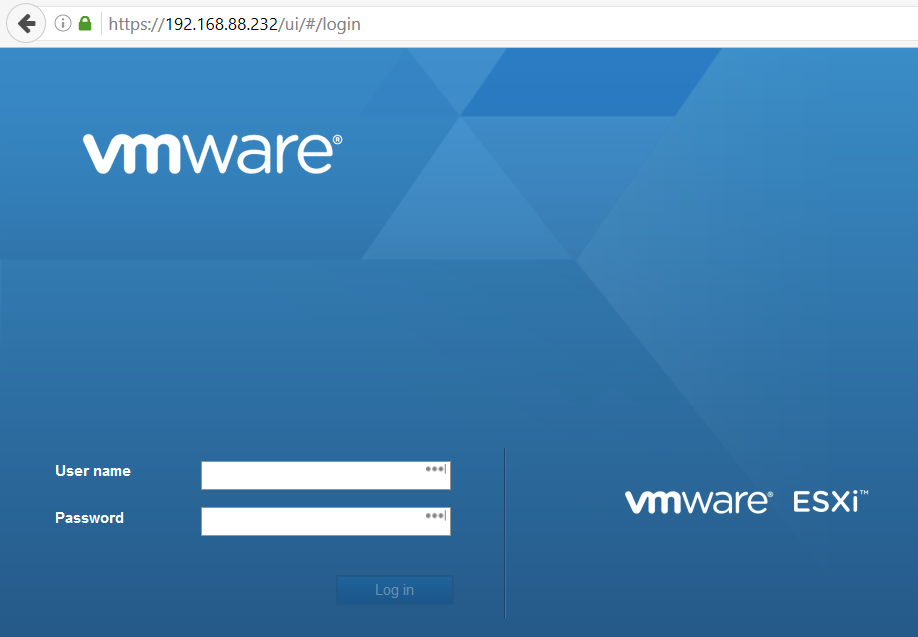
You should see the login screen:
- Log in using whatever credentials you use in the old C# vSphere client. You should see something that looks an awful lot like the vSphere Web Client: